Some employees take a deep sigh when signing into training programs because of how complicated it seems right off the bat. All those never-ending instructions, the dense jargon and just so much to take in — it can feel like a real mountain to climb.
But what if there was a way to simplify the process, break down those barriers, and make your program accessible to everyone?
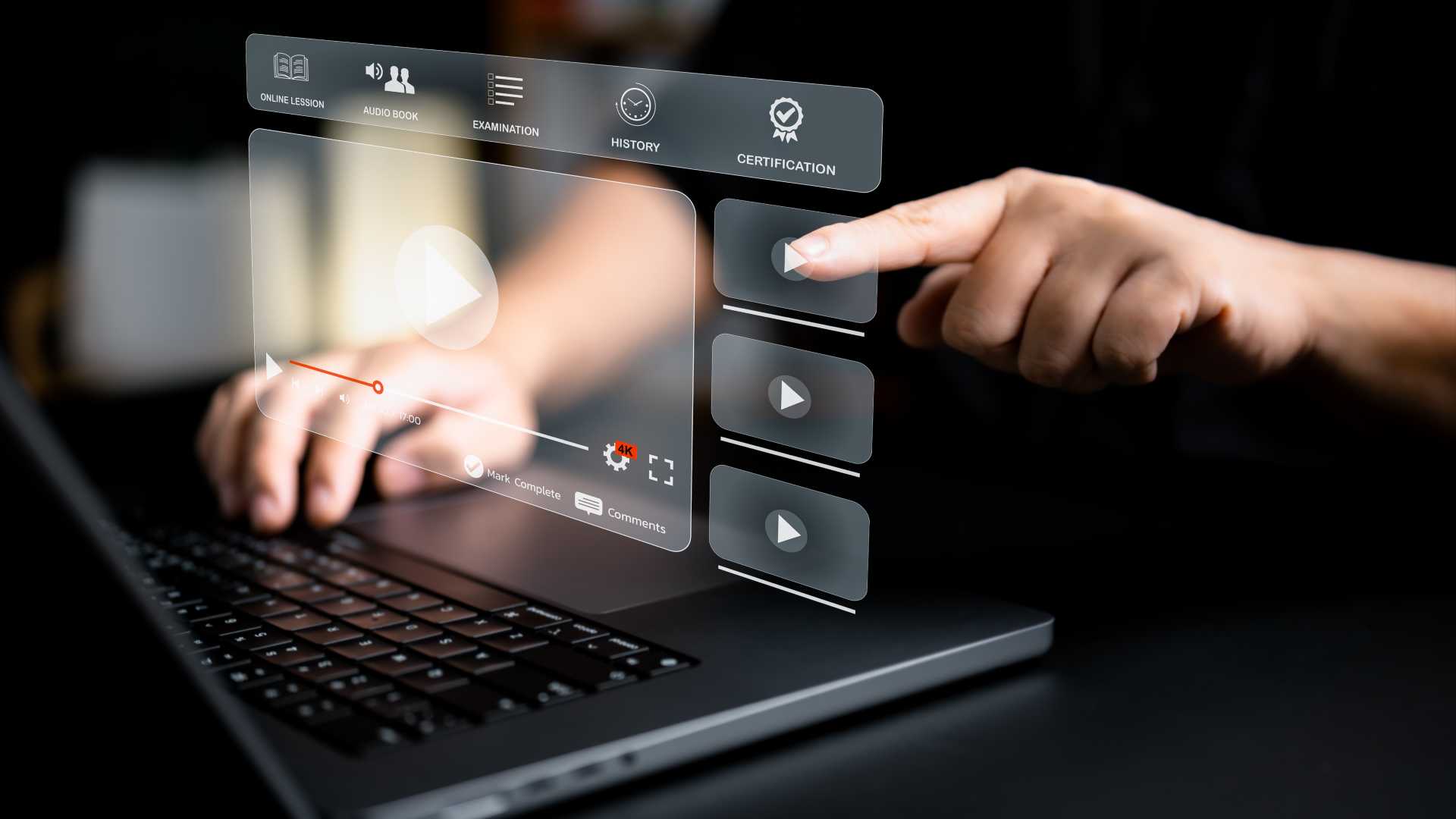
Training videos offer a solution as a dynamic visual medium that guides your audience through each step with clarity and ease.
With videos, employees get to watch concepts unfold in real time, see how things work in action and take it all in through both their eyes and ears. This multisensory approach improves comprehension and retention — and ensures that each lesson is not only understood but ingrained.
The thing is, not every video can simplify complex topics and boost employee learning retention. When you don’t carefully plan and design your video content with the employees in mind, you risk creating confusion or overwhelming your audience with unnecessary information. Without a clear structure, engaging visuals and interactive elements, your videos may fail to effectively communicate key concepts and support learning objectives.
Let’s dive into best practices on how to simplify your program using well-thought-out training videos.
Make Key Concepts Clear
Start by identifying the core concepts and principles that form the foundation of your program. These may include theoretical frameworks, essential skills, key terminology or foundational knowledge necessary for employees to progress effectively.
Videos are indeed a handful for delivering complex information in a digestible format, but they require careful planning and execution to ensure their effectiveness. Remember to clearly define the learning objectives associated with each key concept from the beginning.
What should employees be able to know or do after engaging with the material? Learning objectives provide clear targets for instructional design and help employees understand the purpose and relevance of the content.
Break Down Complexities
Once you’ve pinpointed the main ideas, breaking them down into more manageable chunks becomes a whole lot simpler. Use the video to systematically dissect each concept and focus on one aspect at a time.
Introduce the concept in clear and simple terms. You can use simple and easy language to provide an overview of what will be covered. Then, proceed to break down the concept into its constituent parts and explain each component in detail.
For example, if the complex concept involves a multistep process, break down each step individually, demonstrating how it contributes to the overall process. Use visual aids such as diagrams, flowcharts or animations to illustrate each step, making it easier for employees to understand.
Incorporate Animations
Talking head videos have their place, but they often lack the dynamic and interactive elements that make learning truly engaging. Animations are well known for their ability to bring concepts to life in a visually engaging and dynamic manner. According to a recent animated survey report, the majority of people opt for animation to give a better explanation of a concept.
When you need to provide step-by-step demonstrations of processes or procedures, animations are handy in making them more applicable, engaging and — most importantly — memorable for employees.
Each animation style has its own way of helping employees grasp complex concepts. For example, 2D animations excel in simplifying abstract ideas with colorful visuals and clear transitions to elucidate intricate theories.
On the other hand, 3D animations offer a more immersive experience, allowing employees to explore detailed simulations of real-world scenarios or intricate mechanisms. That’s why we’ve seen many 3D training videos for industries like healthcare and information technology (IT).
Meanwhile, if you want to create a personal and approachable learning environment just like a class setting, whiteboard animation can be the best option.
Of course, you don’t have to be great at drawing to create engaging whiteboard animations, especially when there are so many whiteboard animation tools you can use. The focus is on simplicity and clarity, with the hand-drawn illustrations serving as visual aids to complement the spoken content.
Add Interactive Elements
Videos make it a lot easier to engage employees by incorporating interactive elements that encourage active participation and enhance the learning experience. These interactive elements transform passive viewing into an interactive learning journey where employees are actively involved in the process.
The easiest way to incorporate interactive elements into your program is through interactive quizzes or knowledge checks. They are effective in assessing employees’ comprehension and reinforcing key concepts. Pause the video at strategic points to ask questions or present quiz prompts to allow employees to test their understanding in real-time.
Accessible Delivery
Simplifying your program doesn’t mean that you have to compromise on inclusivity. In fact, a well-thought-out training video is one that can ensure accessible delivery. This means that the video content is designed and presented in a way that allows all employees — regardless of their learning preferences, learning abilities, or limitations, to access and engage with the material effectively.
When you ensure accessible delivery in your training videos, you’re not only making the material easier to understand for everyone but also fostering an environment where all employees feel valued and empowered to succeed.
Closed captions are essential for employees who are hearing impaired, as they provide a text-based transcript of the spoken dialogue and sound effects in the video. You can also provide transcripts of the video content for employees who may prefer to read the material instead of watching the video.
Don’t forget to make sure that your training videos are compatible with a variety of devices, operating systems and screen readers. Make sure that the video player you use supports accessibility features such as keyboard navigation, screen reader compatibility and adjustable playback speeds.
Take Your Programs to the Next Level
Simplifying your program might sound counterintuitive at first. After all, how do you make things easier to get without watering everything down? But here’s the thing: embracing simplicity doesn’t mean sacrificing depth or complexity. Instead, it’s more about making sure everyone gets what you’re saying without getting lost in the details.
And that’s where videos come in. One of the best features that video format offer are its versatility and flexibility. This engaging format allows for pause, rewind and replay — so employees can set their own pace and revisit challenging sections as needed. With training videos, complexity is distilled into digestible segments and empowers them to confidently navigate the program’s intricacies.